

You too can be like a librarian … a Biodiversity Heritage Library librarian! The Biodiversity Heritage Library wants people to use its resources, and Wikipedia is encouraging librarian-minded folk to add citations to articles via their #1Lib1Ref campaign (15 January – 3 February 2017). Talk about a perfect match. You can help by adding citations from BHL to Wikipedia.
Don’t worry if you haven’t edited Wikipedia before. What follows is an easy “How to” guide to adding a citation from works held in BHL to a Wikipedia article.
Create a Wikipedia Account
Your first step is to create a Wikipedia account. Although you can edit Wikipedia without an account, if you create one, you can use Wikipedia’s fabulously easy “Visual Editor” tool. This comes with a feature which allows for ease of citation of references. Click here to see how to create an account and how to enable the Visual Editor tool.
Find an Article
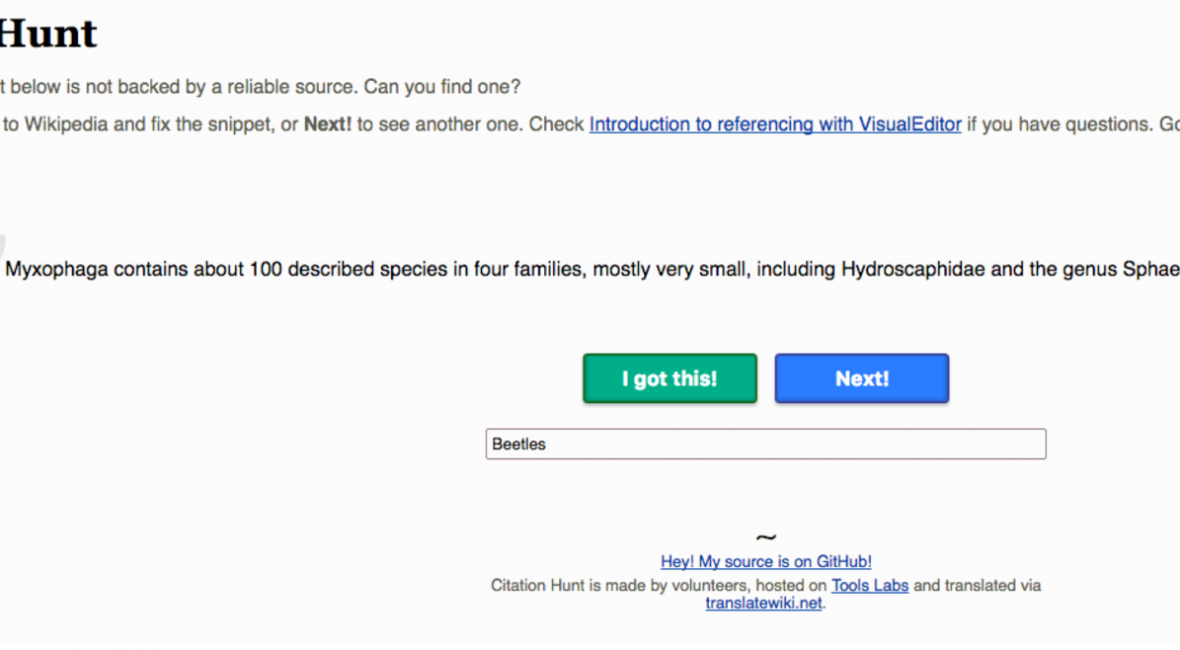
Your second step is to find an article that needs to be improved with added citations. One way is to use the Wikimedia Citation Hunt tool. When using this tool, I narrow my search to articles which need the Biodiversity Heritage Library resources. I do this by filling in the “What makes you tick” box with a search term. In the example below, I’ve added “Beetles” to find beetle articles that need citations, but there are many other terms you could use. For example, try “mosses”, “Fish of Canada”, “lizards” or any subject you are interested in.
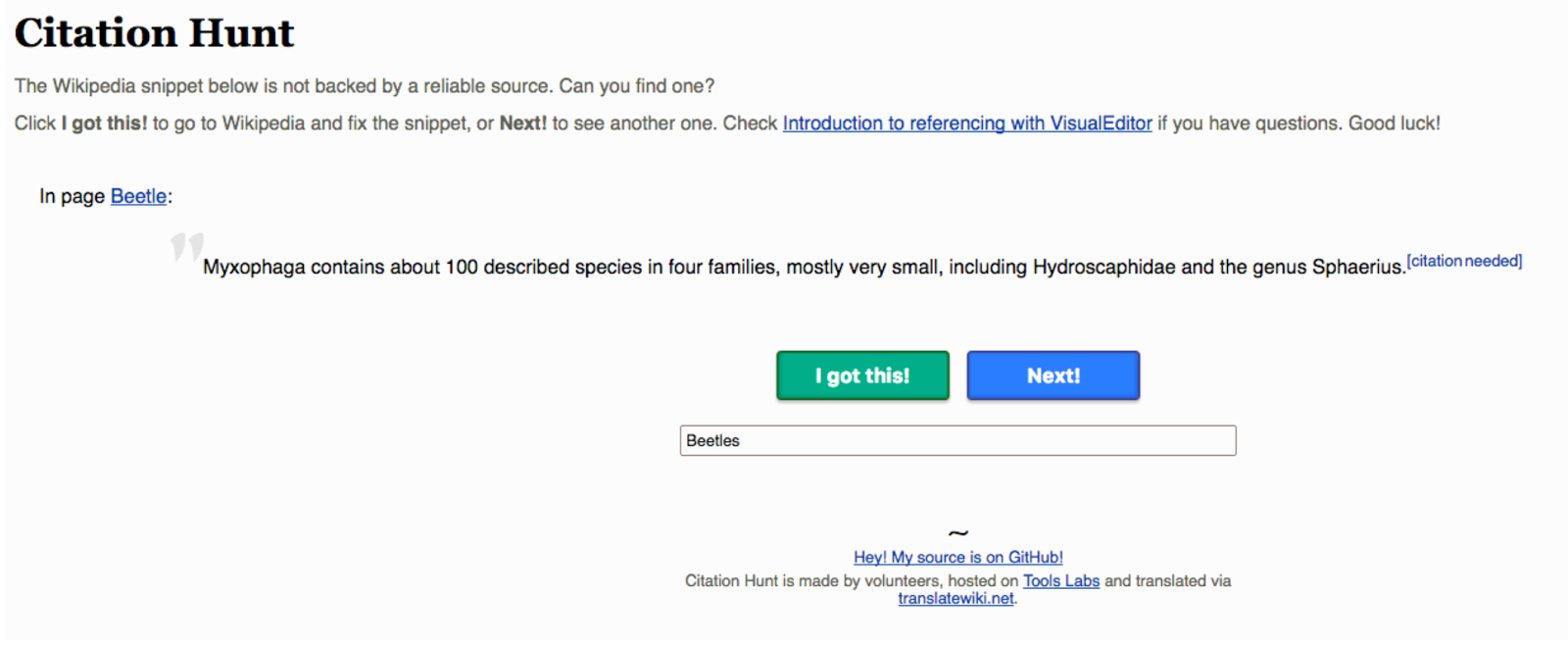
In the above case, to find the needed citation I would put “Myxophaga” (a suborder of Coleoptera or beetles) in the search box on the BHL website and see if I could find any article, journal or book in BHL supporting the statement in the Wikipedia article to which I want to add a citation.
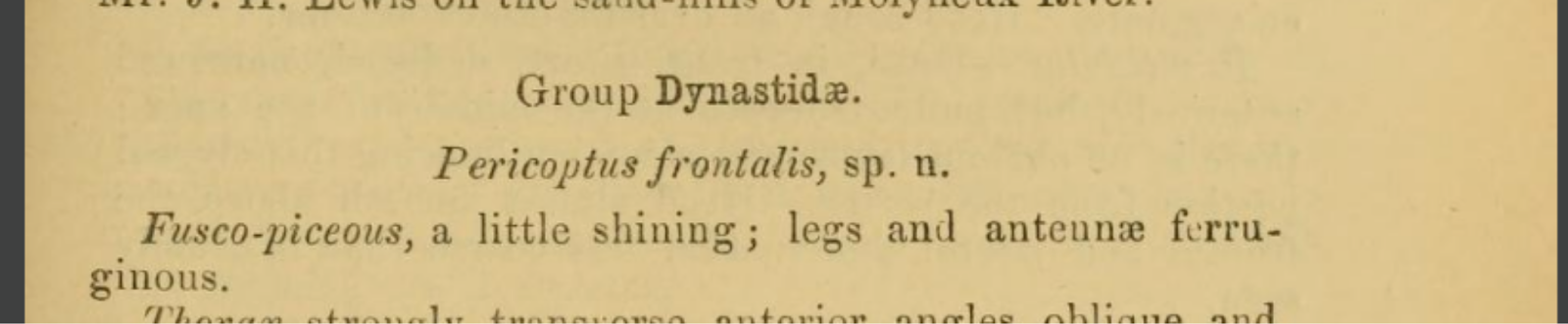
You can also work from the other end and find an article in BHL that you can then cite in Wikipedia. So for example I found this article which first describes the Pericoptus frontalis beetle. This is an article that can and should be cited in the Pericoptus frontalis beetle Wikipedia page.
Citing Reference in Wikipedia
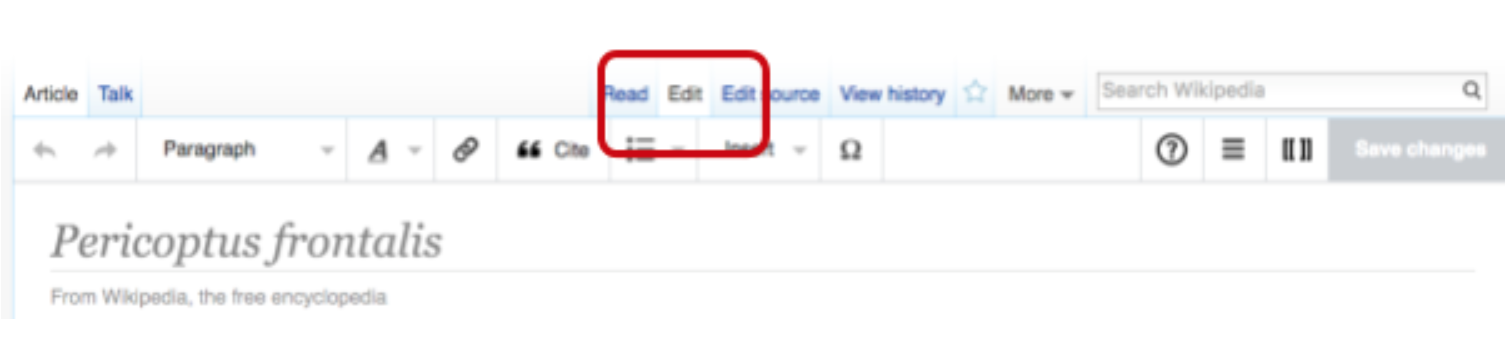
So you’ve logged in to Wikipedia, enabled the Visual Editor tool, and found the article in BHL you want to cite. Now go to the page you want to edit and click on the “Edit” tab so that the Visual Editor edit bar appears.
Place your cursor in the Wikipedia article where you wish to add the citation and then press “cite” on the edit bar.

The “add a citation” box should then appear.
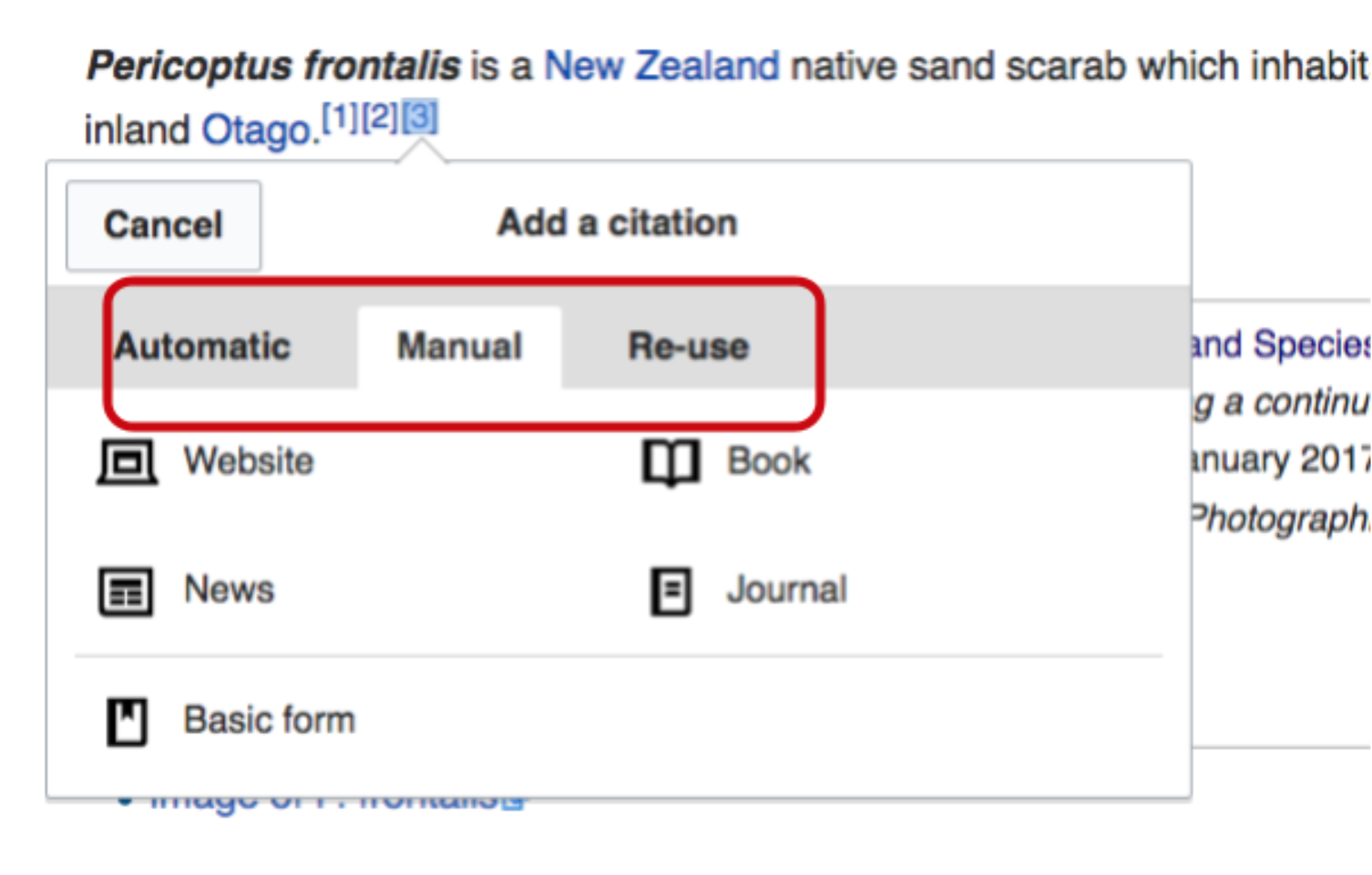
You then have a choice of either using the “Automatic”, “Manual” or “Reuse” citation method. If you have the URL, DOI or PMID of the article, you can use the “Automatic” citation tool to generate a citation. Alternatively, use the “Manual” citation, which will give you different options to choose from depending on where you obtained your citation. The image above shows you the manual citation options.
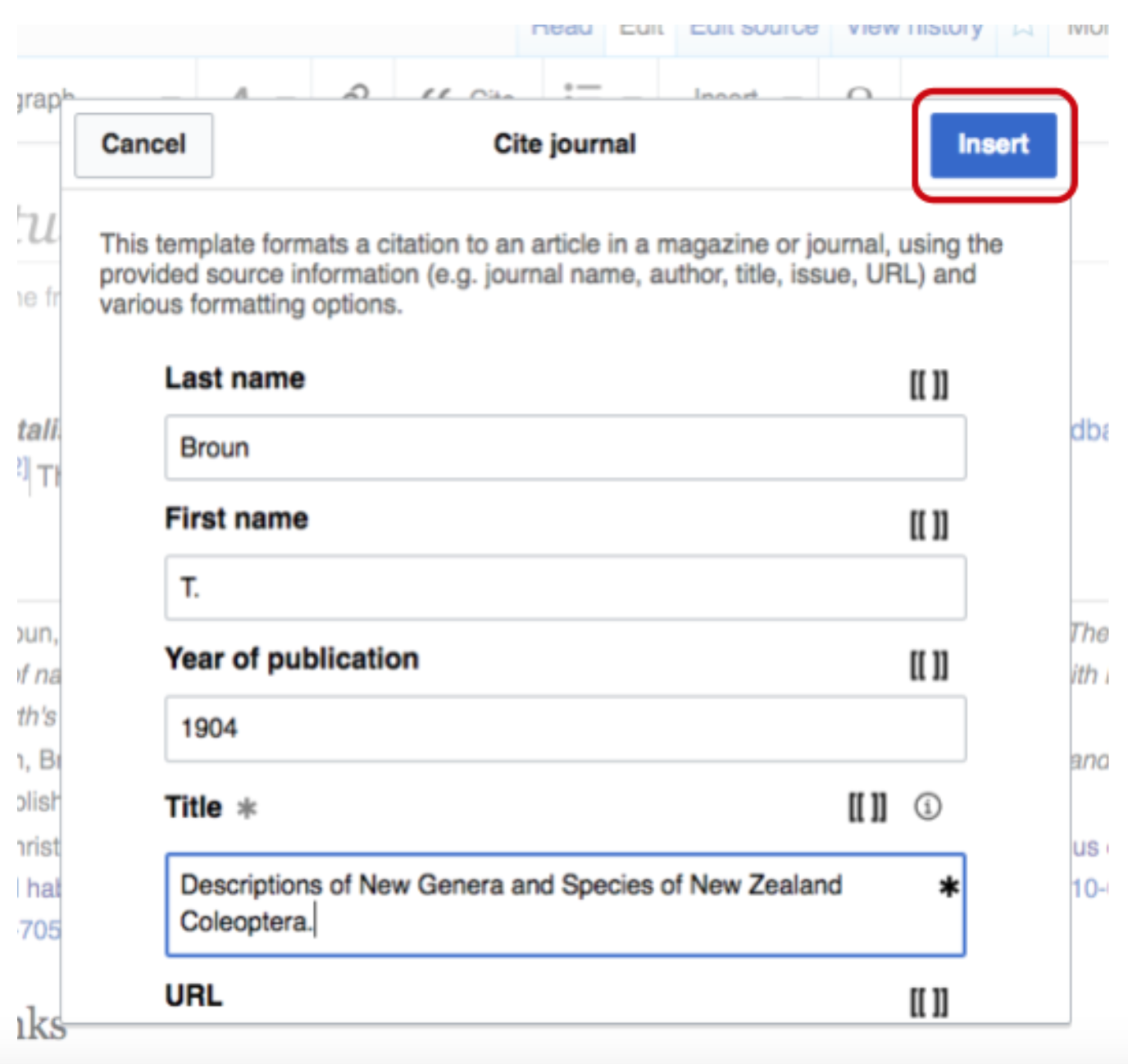
In this case, I’m citing an article in a journal rather than a book or a newspaper article, so I would choose the “Journal” option. Clicking on “Journal” brings up a template. Fill in all the information you can in the appropriate boxes and then press “Insert” on the top right of the box. Make sure you provide the stable URL link in BHL (learn more).
Pressing “insert” brings up a “Save your changes” box asking you to briefly describe the changes you’ve made to the article. Make sure you add the hashtag #1Lib1Ref to your edit summary as this will add your edit to the campaign total.
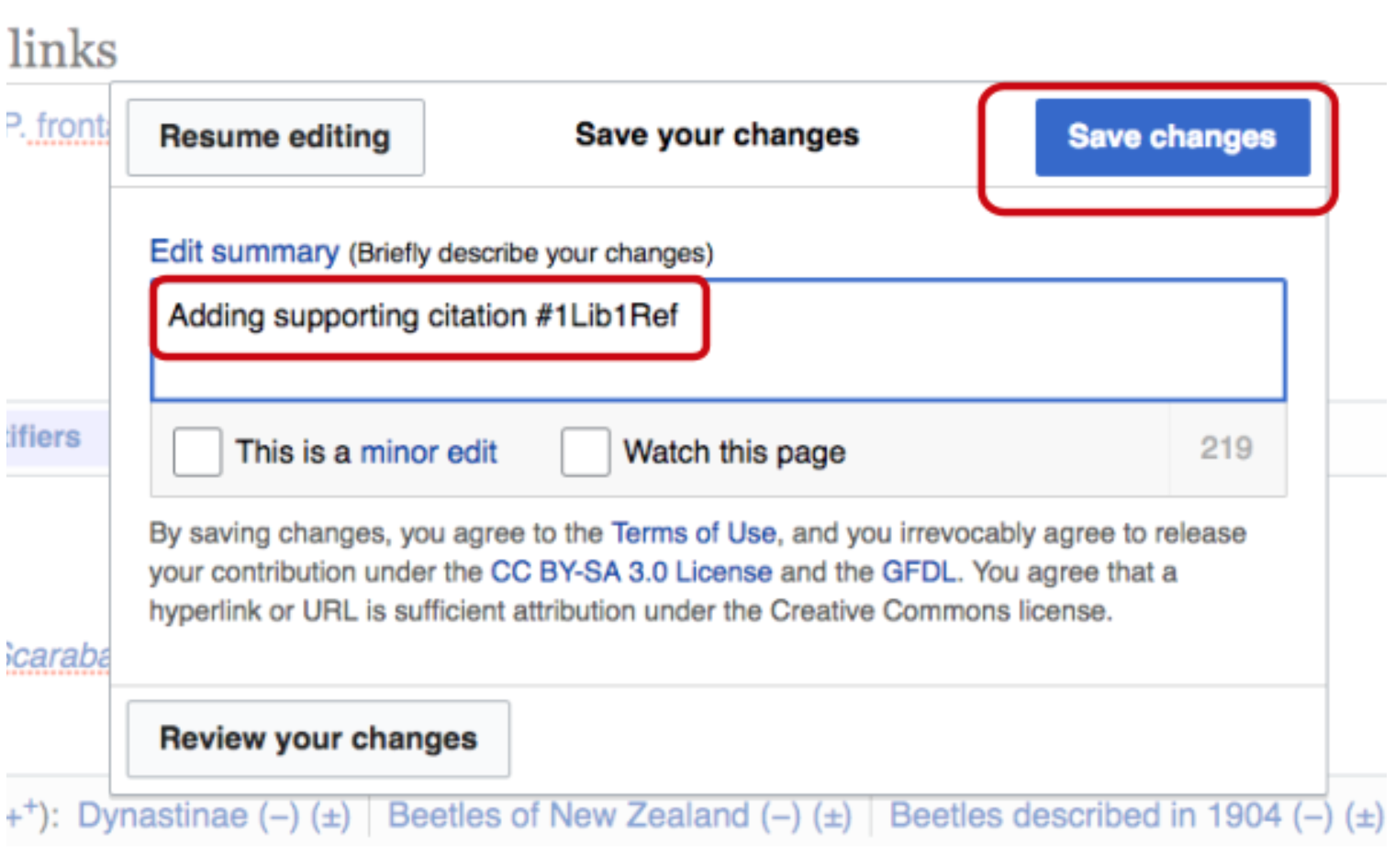
You then press the “Save changes” button and with that you have added a citation to Wikipedia!
For further Information on the Wikipedia #1Lib1Ref campaign, click here.
Follow #ILib1Ref on social media, 15 January – 3 February 2017 to learn more about the campaign and see how adding citations to Wikipedia can improve the resource for everyone!
If you have questions or get stuck, see this page to learn more about the various outlets you can use to find help and information. You can also tweet BHL at @BioDivLibrary or Siobhan at @SiobhanLeachman.